 Bitpay
 wallet recovery
The BitPay Wallet is a self-custody cryptocurrency wallet with keys stored locally on the device. For a key created in the app, recovery uses its original 12-word recovery phrase through Import Key. The email and password for the separate BitPay payment account cannot unlock the wallet's cryptocurrency.
Import the original wallet key
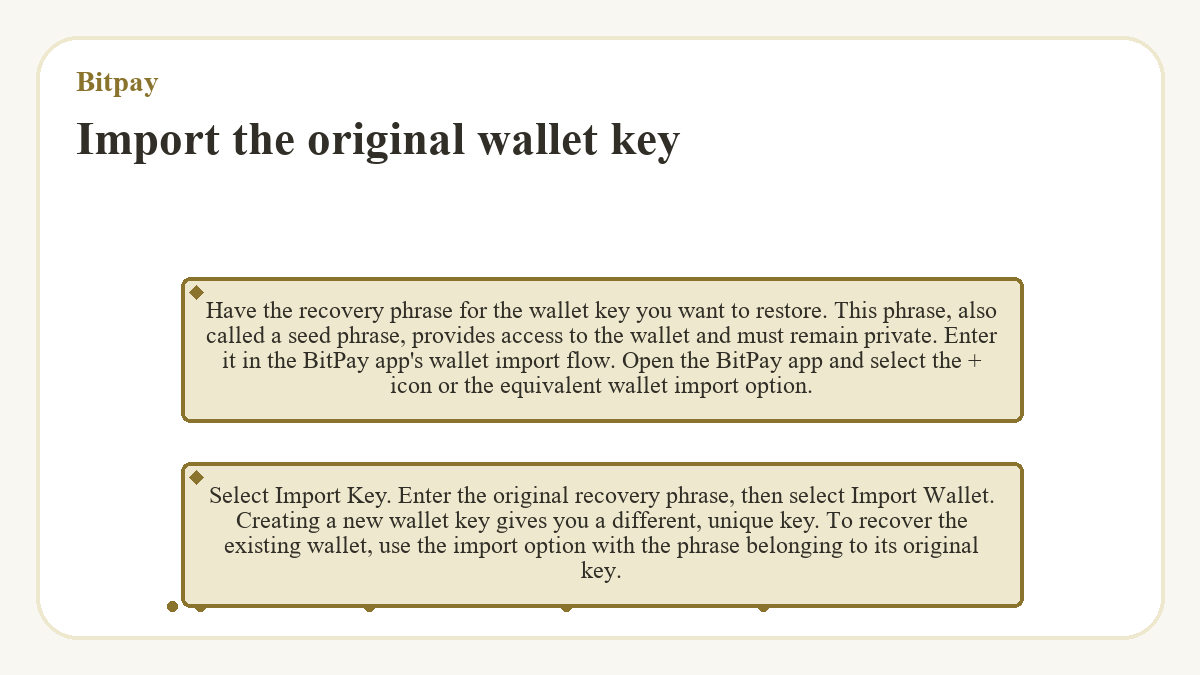
Have the recovery phrase for the wallet key you want to restore. This phrase, also called a seed phrase, provides access to the wallet and must remain private. Enter it in the BitPay app's wallet import flow.
- Open the BitPay app and select the + icon or the equivalent wallet import option.
- Select Import Key.
- Enter the original recovery phrase, then select Import Wallet.
Creating a new wallet key gives you a different, unique key. To recover the existing wallet, use the import option with the phrase belonging to its original key.
Recovery phrase and payment account login
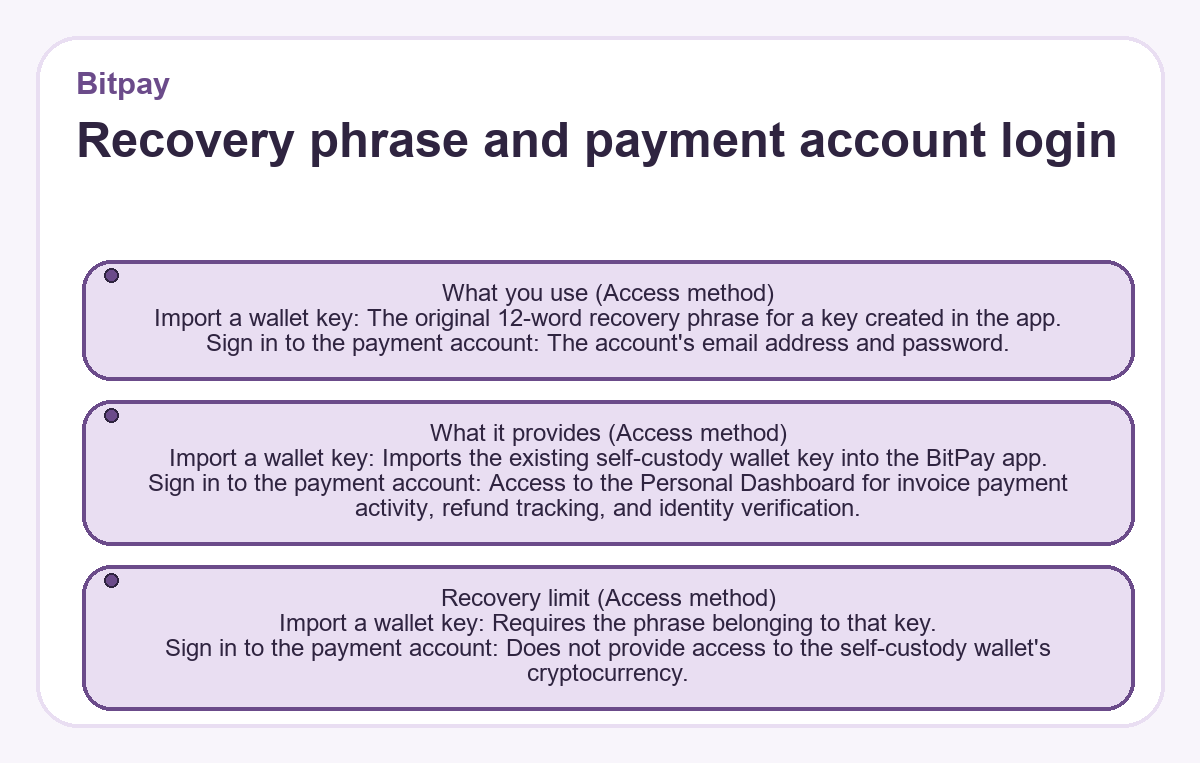
| Access method | What you use | What it provides | Recovery limit |
|---|---|---|---|
| Import a wallet key | The original 12-word recovery phrase for a key created in the app. | Imports the existing self-custody wallet key into the BitPay app. | Requires the phrase belonging to that key. |
| Sign in to the payment account | The account's email address and password. | Access to the Personal Dashboard for invoice payment activity, refund tracking, and identity verification. | Does not provide access to the self-custody wallet's cryptocurrency. |
Protect the backup before changing the app
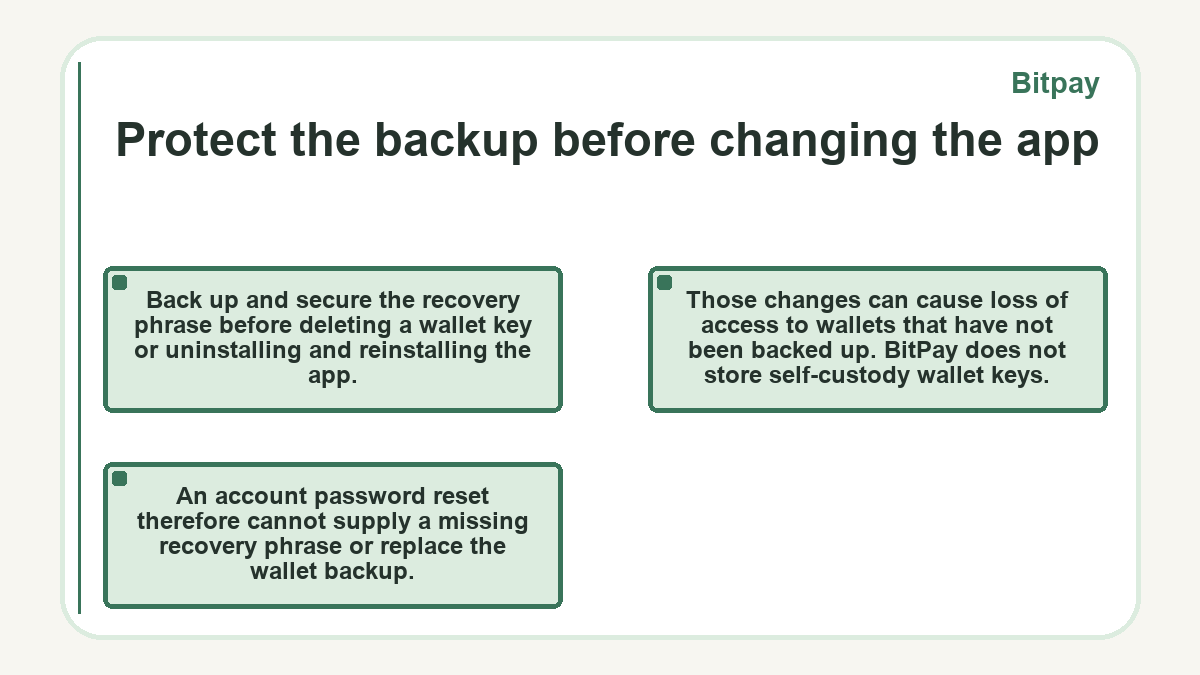
Back up and secure the recovery phrase before deleting a wallet key or uninstalling and reinstalling the app. Those changes can cause loss of access to wallets that have not been backed up.
BitPay does not store self-custody wallet keys. An account password reset therefore cannot supply a missing recovery phrase or replace the wallet backup.